While I didn't have an immediate, pressing need to organize a specific dataset, I knew that having a reliable way to visually sort massive collections of images would be a incredibly useful tool for future projects. I wanted to do something like this for a while now, but a project by Henry Daum called Macrodata-Refinement that generates topographical maps based on computer usage tracking finally triggered me attempting this. Inspired by that concept, I wanted to build a self-contained Python pipeline that could ingest an arbitrary folder of unorganized images, analyze their semantic contents, and output an interactive 2D similarity map in the browser. I'm not going to pretend like I understand a lot of the technical details in this, I am deeply thankful to Henry for sharing his code with me.
The backend pipeline for this project relies on modern computer vision models and dimensionality reduction techniques.
When the script runs, it first automatically scans the input directory and removes duplicate images by comparing their file hashes.
It then feeds every unique image into the CLIP ViT-B-32 model to calculate their semantic embeddings.
Because processing 1,500 images through a neural network is computationally expensive,
the script automatically caches these high-dimensional vectors into an embeddings.pkl file, drastically speeding up any iterative testing on the same dataset.
Once the embeddings are calculated, the script uses UMAP (Uniform Manifold Approximation and Projection) to reduce the high-dimensional data down into a 2D coordinate space, and HDBSCAN to identify distinct thematic clusters. However, mapping these coordinates directly poses an immediate aesthetic problem: tightly grouped images naturally overlap each other entirely, obscuring the data. To resolve this, I implemented a physics-based relaxation algorithm. By treating each image as a node with a slight repulsive force, the algorithm pushes the thumbnails apart just enough to prevent overlap, while strictly maintaining the semantic boundaries of the UMAP clusters.
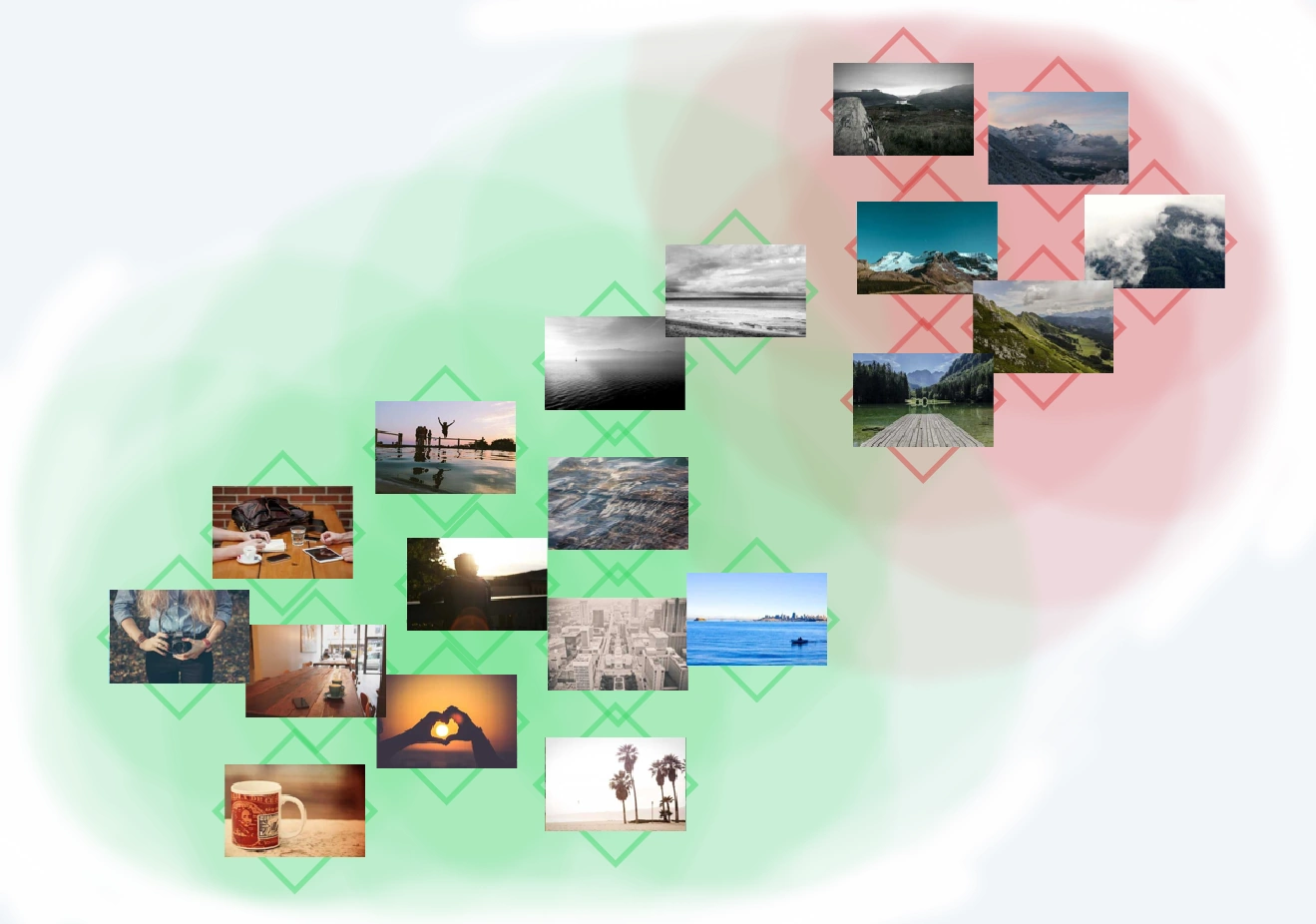
I was going to use a set of free-to-use stock images to test this algorithm, with a few images from nature, and others from urban environments. The goal was to test whether the clusterization would detect these as such. And it really did work! As you can see, the top right has images of mountains, then slowly transitioning to lakes on mountains, to oceans, then to lakes and coastlines, splitting into two categories with humans and another one with buildings. The clusters are visualized with different colors.
To stress-test the algorithm, I needed a sufficiently large and visually diverse dataset. I decided to download roughly 1,500 images from the Rain World Hourly blog on Tumblr. I wanted to see if the AI could naturally group these varied environments with various community mods without any explicit metadata.
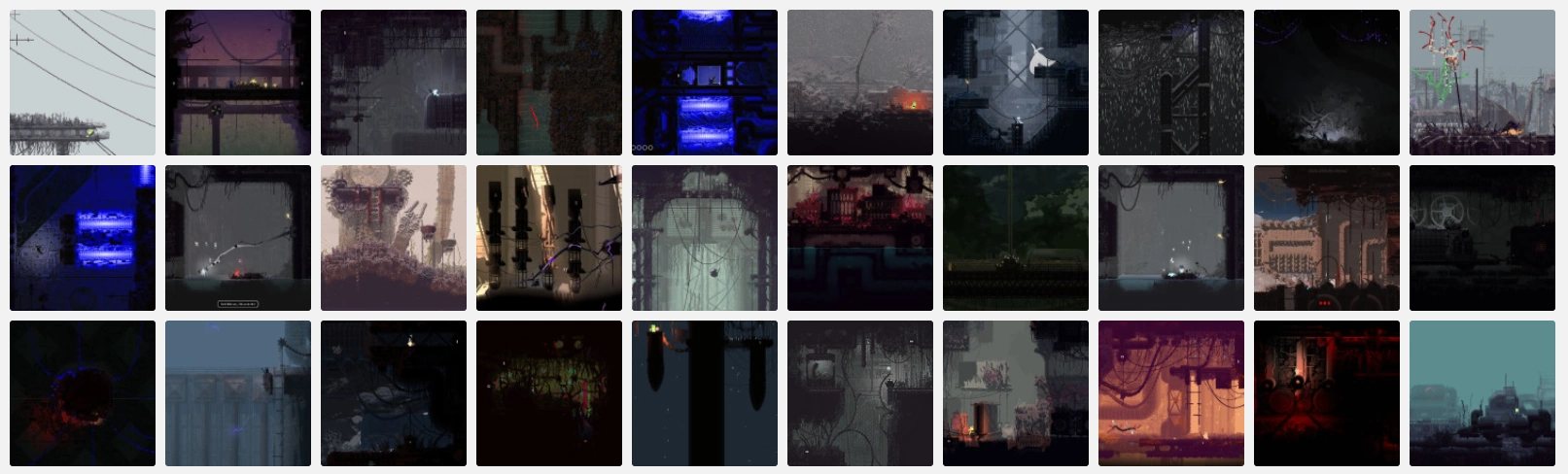
Looking at the final generated map for the Rain World dataset was incredibly satisfying. Despite having absolutely no access to the image captions, tags, or mod names, the CLIP embeddings successfully recognized and isolated the visual signatures of different gameplay mods, grouping them into distinct peninsulas on the map.

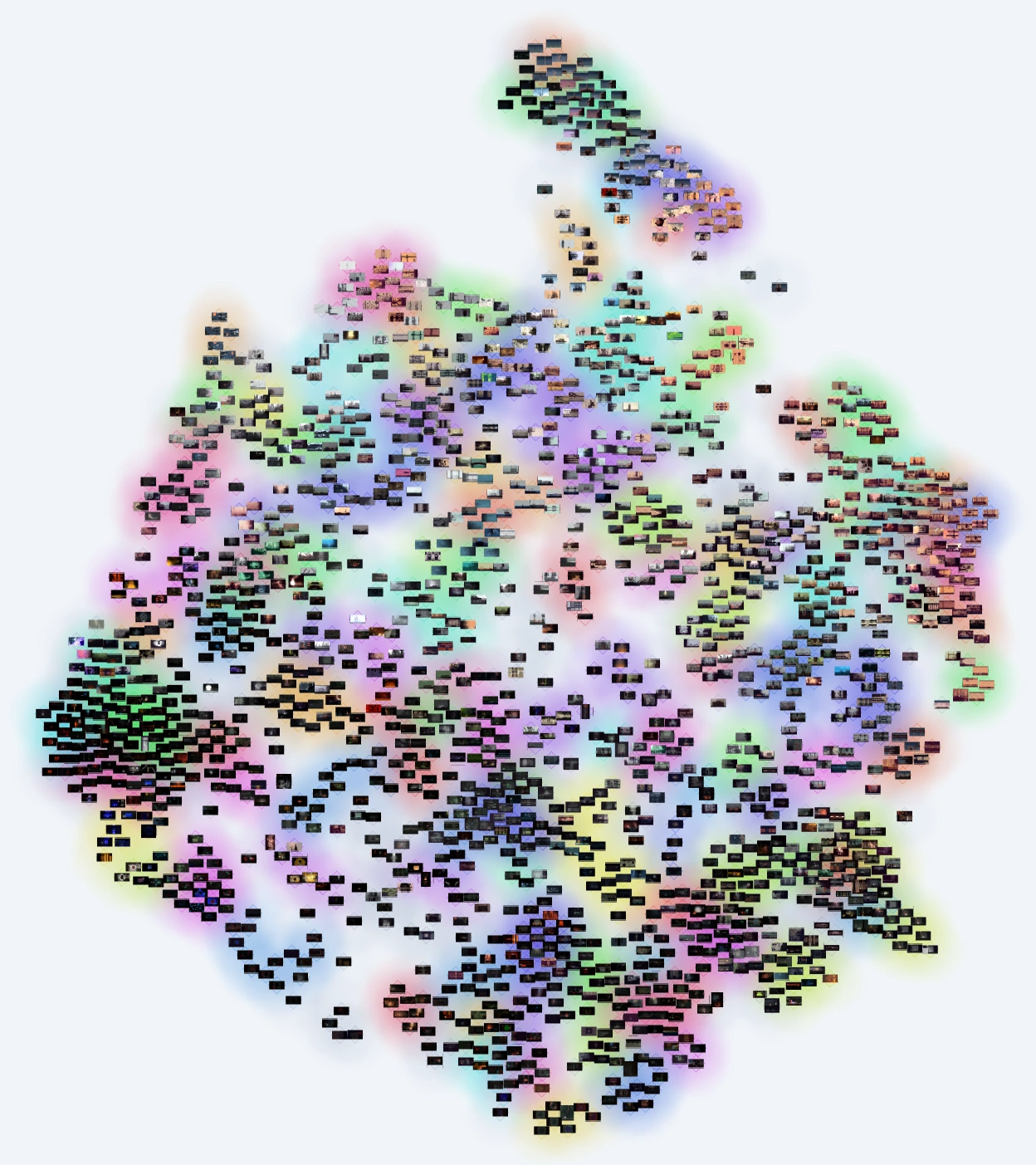
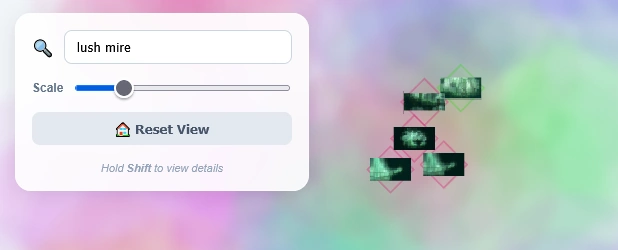
While the Python backend operated smoothly, getting the result to display interactively in a browser was a little harder due to web graphics limits. Rendering 1,500 high-resolution images simultaneously in the DOM was not only hard because of the limited connections my web server can provide, but also because the browser's graphics context sometimes crashed when rendering all the full resolution images.
To fix this, I had to completely re-engineer the frontend approach.
Instead of loading the raw images, the Python script now automatically generates optimized WebP texture atlases, slicing the dataset into a manageable thumbs/ directory, which are sliced in the frontend to get the correct sections of the atlas.
A Level-of-Detail renderer then decides which images should be rendered when you actively zoom in on a specific cluster, allowing for smooth panning and zooming across the entire dataset.
The tool is built entirely around the concept of self-contained project directories.
By running python cluster.py <project_dir> <data_dir>, the script handles the embedding, clustering, physics relaxation, and HTML generation automatically.
If you have a massive folder of disorganized reference material, screenshots, or textures, you can find the complete source code and installation instructions on the Latent Atlas GitHub repository.