Was it a huge amount of work? Yes.
But was it fun? A lot of fun actually, yea!
--> Watch it here!
What got me into making this video? I remember wanting to have a proper use-case for the pen plotter I built using a 3D printer a few months ago, something to really get some use out of it. While thinking about what to do with it, my brother showed me a Bad Apple!! video that uses Satellite Images to animate each frame.
What is Bad Apple!!, you might wonder? You can read more about it on Wikipedia, but in a gist, it's an instrumental track by ZUN, the creator of the Touhou Project bullet-hell shooter series. In 2007, the doujin music circle Alstroemeria Records released a vocal arrangement of the track, which is the version most known today. In 2008, a fan made a storyboard for that arrangement, which in 2009, another person made a full music video for, drawn as a black-and-white silhouette animation of various Touhou characters. This video got wildly popular even outside the Touhou fandom, and through its simplicity turned into a meme in which people re-render the video in / on things that were never meant to play videos, such as oscilloscopes, Minecraft redstone, Excel spreadsheets and more.
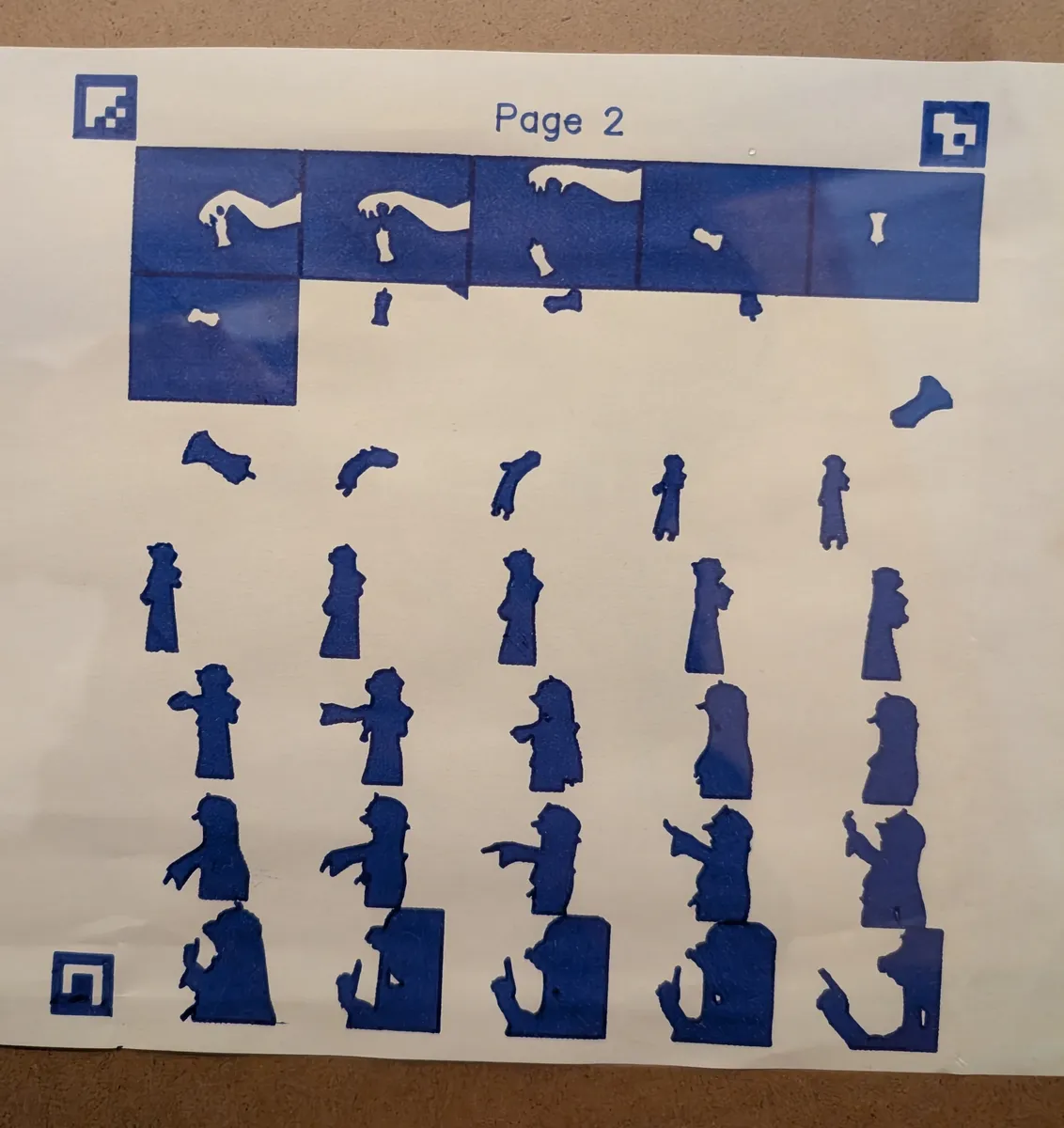
I've wanted to make my own version for a long time, and I thought this was a perfect opportunity, not knowing how long it would take me.
Since I already had code and infrastructure to print any SVG file, it was relatively simple to obtain all the video frames, turn them into silhouettes, and render them as a grid in an SVG file. At first, I was unsure on how many frames per second I wanted to have the animation be, and how large to print the frames. I started out with 5x7=35 frames per page, but I found them to be too small, so I later decreased the number of frames per page to 3x5=15, which is 133.33% more. At first, I also used ArUco markers to later identify the page in code, but I later replaced that method with a simple box detection algorithm.
So, I went ahead and plotted a LOT of frames. A LOT. Like, 77 pages of frames. Here's a timelapse of one of the pages! Beware of flashing lights as the print head and print bed move quite fast.
This obviously used a lot of ink as well. A regular 0.4mm fineliner used in the creation of these pages has enough ink for ~800-1000 meters (~0.5-0.6 miles). Usually, this is a lot of ink. Here? It was enough for maybe 4-6 pages, which means that across all pages, I used up 12 pens. When the ink runs dry, half of the page becomes unusable, meaning I had to re-print a bunch of frames as well, which you can see in the last image of the carousel below. The new pens also take some time to properly reach the 0.4mm diameter, at first they are much thinner, which annoyingly turns the hatching pattern into a zebra crossing until they are ready, even more frames to reprint.
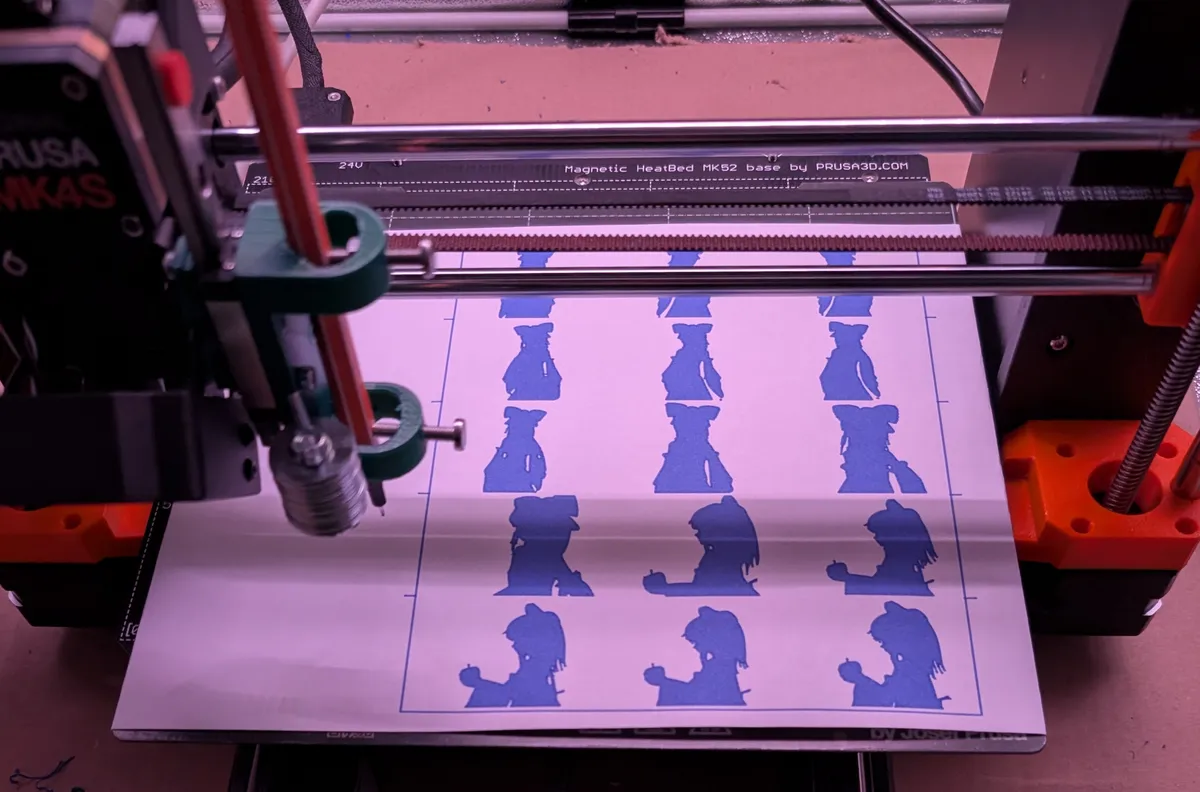
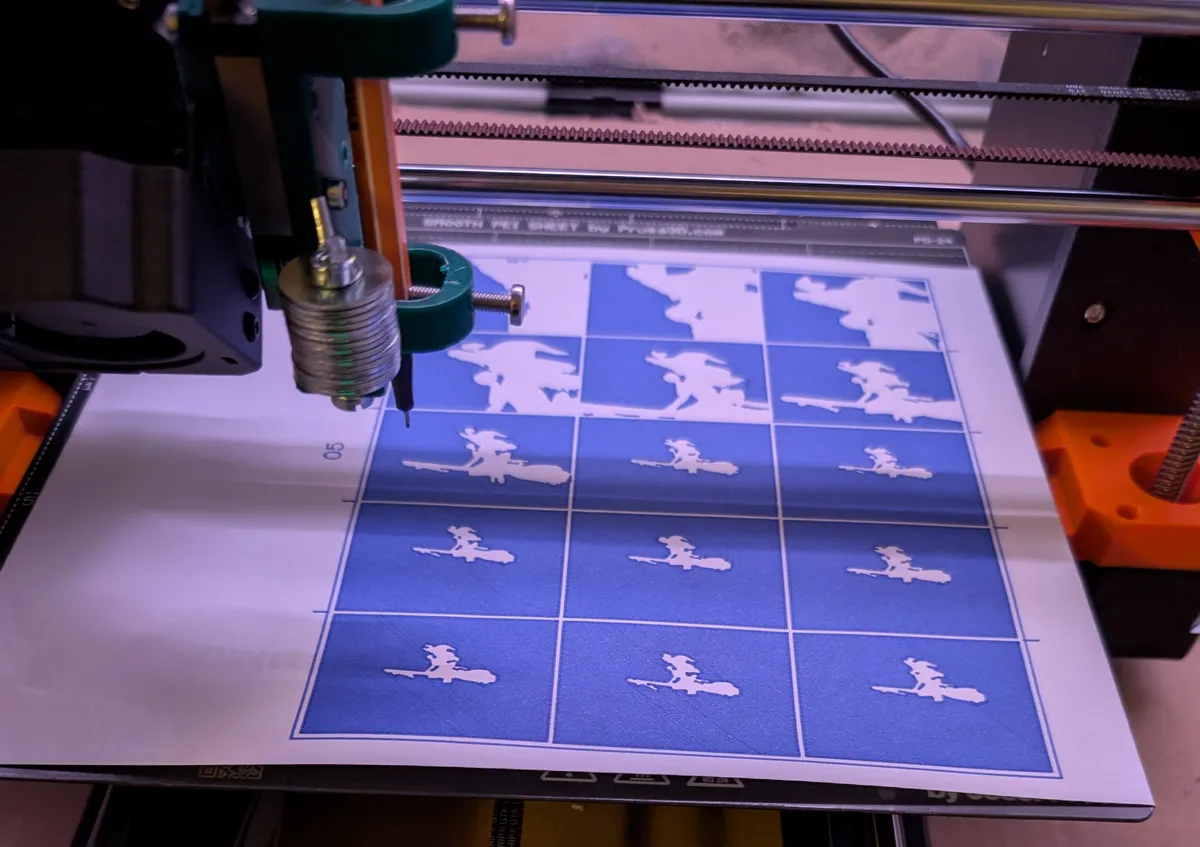
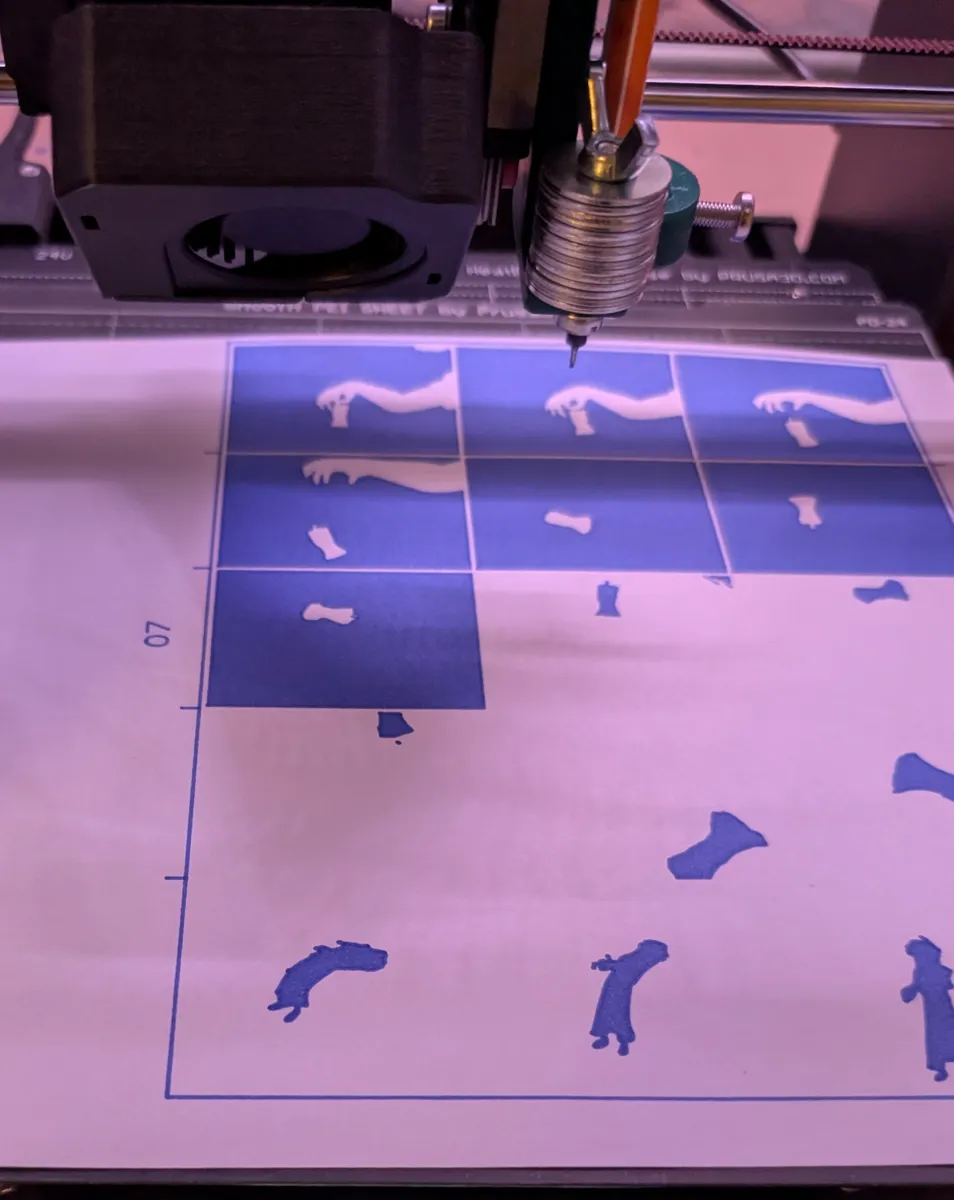
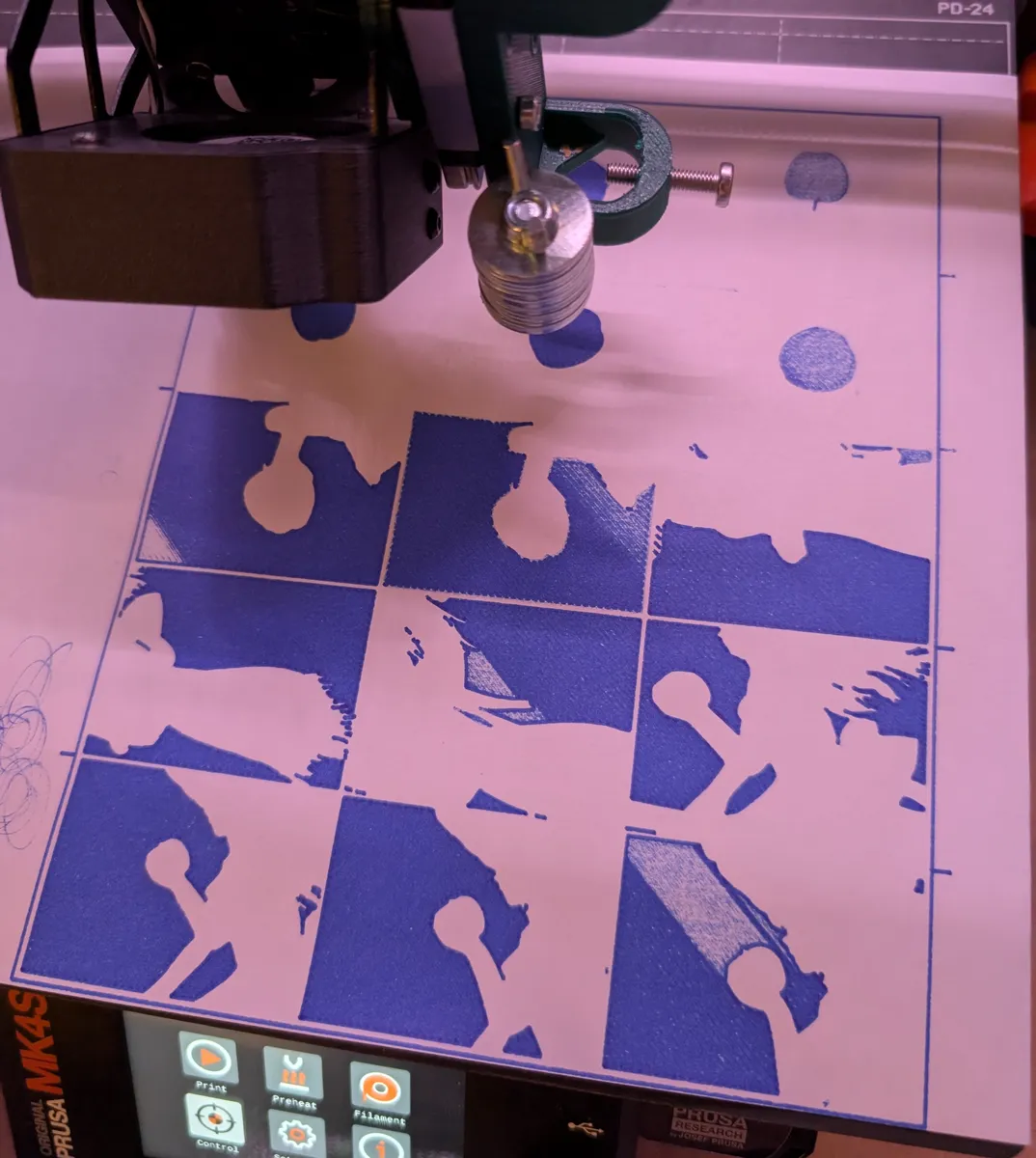
And like that, I had a first 5 FPS pass of the animation. However, I wasn't quite happy with it yet, as there were some high-movement sections that were quite choppy, so I then manually selected even more frames to add in-between to smoothen these of the animation.
But eventually, I got there. You can see the pages laid out in the image below.
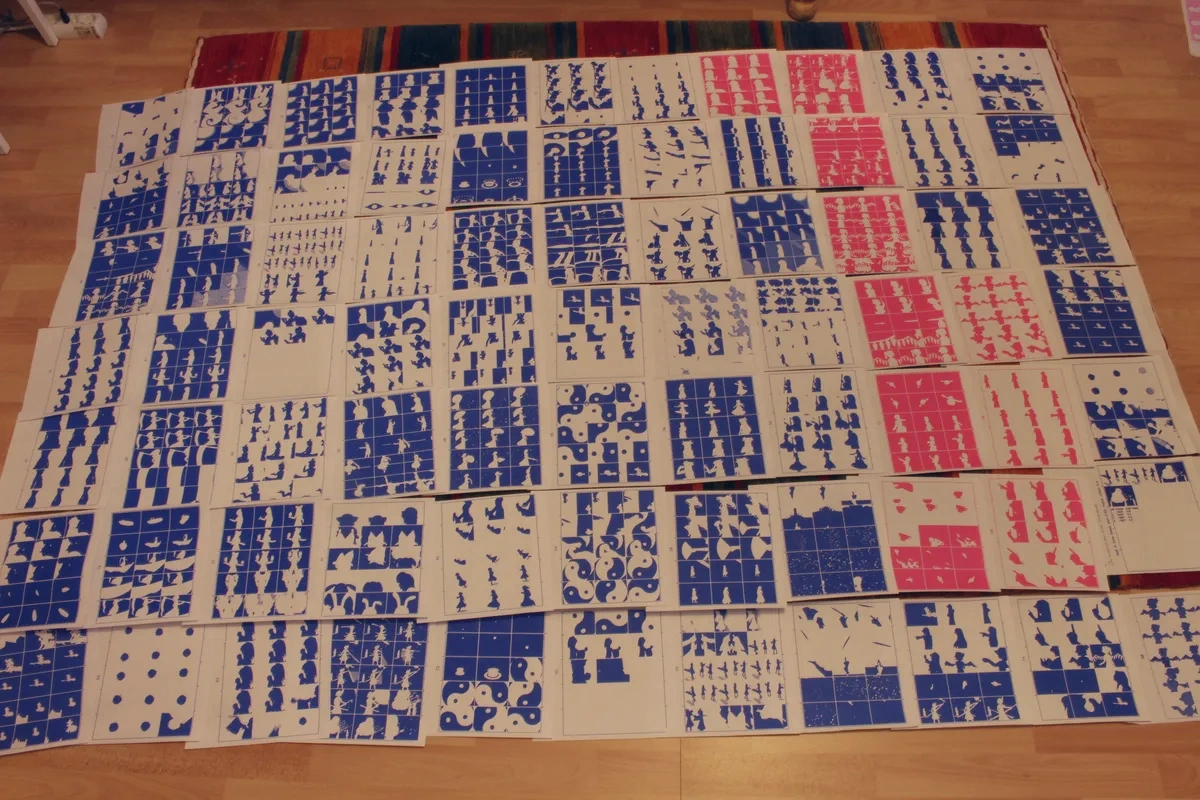
After printing them, I scanned them using my Canon scanner, and ran a detection algorithm to automatically extract the frames. Some of the pages are pink, because I ran out of blue pens, and because of the weekend I could not buy new ones easily. So, I hue-shifted them in post to get a consistent color scheme in the animation. I also apply further pen/paper color normalization to reduce further flashing.
For the video, I scanned an additional white page and arranged all extracted frames on a grid with that page as background, and giving them some more gap spacing than in the scanned pages to create a nicer animation.
Now, go watch it here if you haven't already!