My brother recently attended a university workshop on Creative Coding using Processing 4. When shared what he made using it, I wanted to try my hand at it as well and downloaded the standard Processing Editor. While it may be an excellent tool for beginners to get started with coding, coming from a background of using JetBrains IDEs, it felt a bit too limiting for what I wanted to do.
When looking up what Processing was in the first place, I quickly realized that it is fundamentally just a Java library wrapper.
So, I extracted the core.jar and the controlP5.jar libraries, installed them into my local Maven repository, and set up a proper project environment.
This allowed me to use all the creature comforts of a modern development workflow while still leveraging the visual power of Processing.
You can find the link to the sources of these files on the repo.
mvn install:install-file -Dfile=<PATH TO core.jar> -DgroupId=org.processing -DartifactId=core -Dversion=3.3.7 -Dpackaging=jar
mvn install:install-file -Dfile=<PATH TO controlP5.jar> -DgroupId=org.sojamo -DartifactId=controlP5 -Dversion=2.3.0 -Dpackaging=jar
When thinking about what I wanted to do, I was recently fascinated by displacing pixels in real time to achieve ripple effects and waves.
I also just had a separate project where I had the Rain World Karma symbols as individual files, so I wanted to re-use them here.
The result is a reactive grid of individual images.
Each cell in the grid decides whether to update its image based on a probability field generated by a Perlin noise map, meaning when you switch images it slowly adjusts to the new image source.
Since I wanted some interactivity, I added mouse events that allow dragging the pixel field around by adding displacement based on the movement vector.
I also added a ControlP5 interface to tweak the parameters in real-time, allowing you to adjust the neighbor influence radius or the noise timescale on the fly.
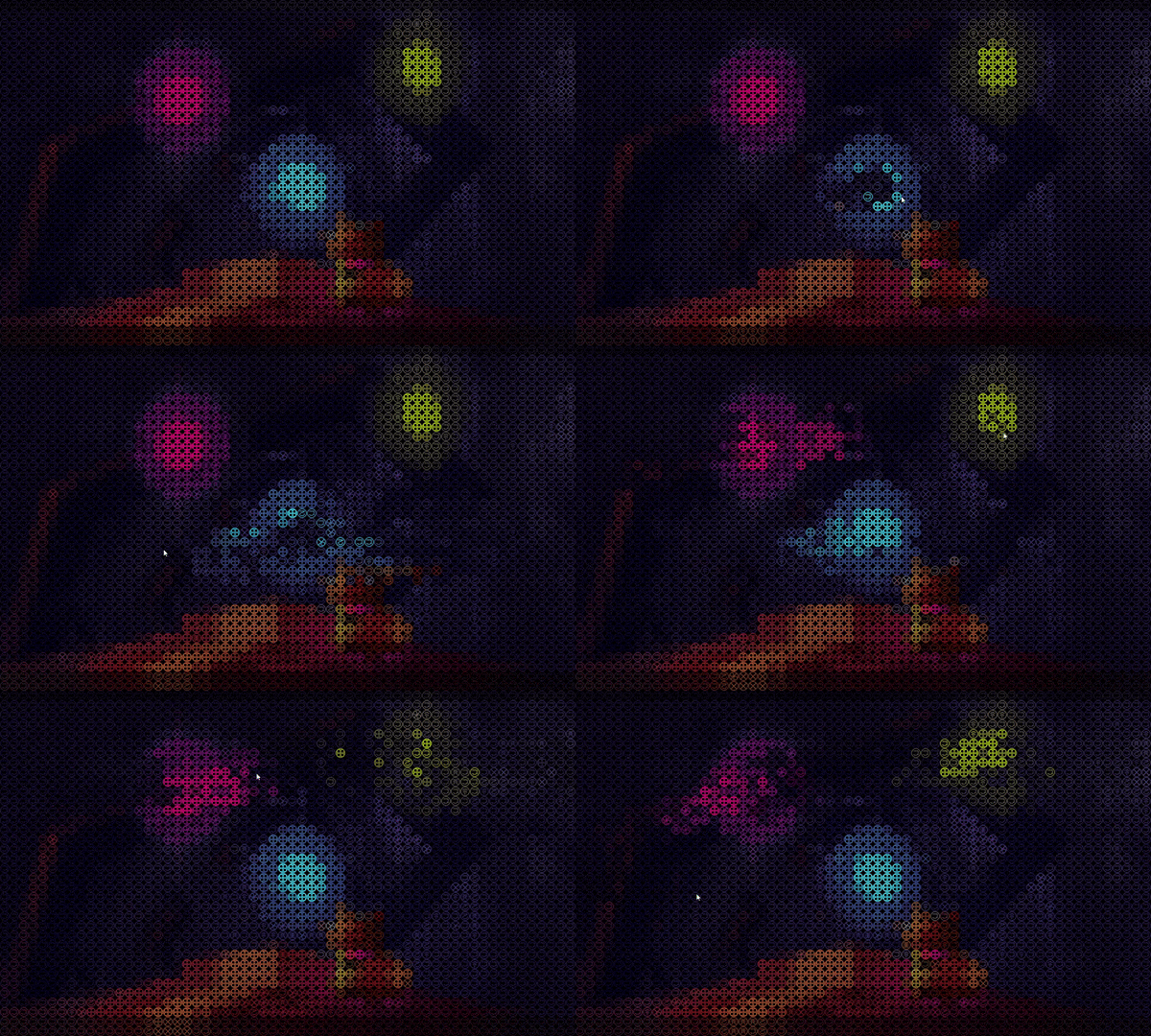
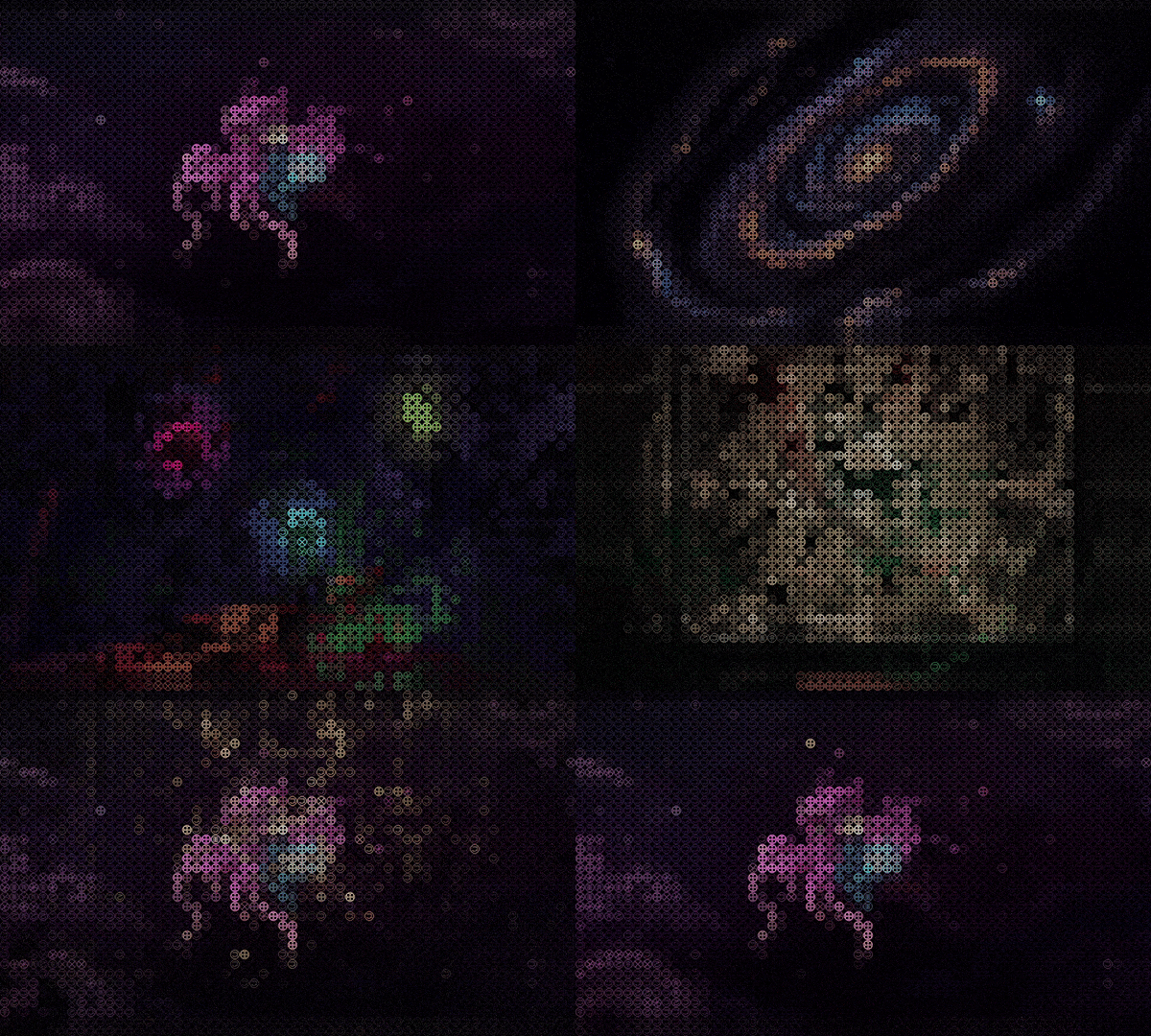

I found that a satisfying way to use this program is to use it as a dynamic wallpaper.