During the Graph Theory module (GRA) at the Technische Hochschule Mannheim, I was tasked with creating a presentation about Planar Graphs and the Euler Polyhedral Formula. While there are plenty of graph editing tools out there, I couldn't find one that offered a simple, immediate readout of the specific metrics needed to verify Euler's formula in real-time. I also wanted to challenge myself to see if I could build a solution that would allow me to generate consistent, clean graphics with all of this information directly visible for my slides.
The presentation revolves around the definition of Planarity. A graph is considered planar not just if it is currently drawn without crossing edges, but if there exists any possible way to arrange its vertices (an embedding) on a 2D plane such that no two edges intersect. This distinction is important because a graph might look like a messy hairball at first glance, but through an isomorphic transformation, it can be untangled into a clean, planar structure. Once a graph is proven to be planar, it satisfies Euler's Polyhedral Formula:
f = |K| - |E| + 2
Note that in the German lecture slides, the notation differs slightly from the standard English V - E + F = 2.
Here, |K| stands for Kanten (Edges) and |E| stands for Ecken (Vertices).
The variable f represents the number of Faces (or Regions), which includes the "outer" infinite region surrounding the graph.
I also wanted to challenge myself to see if I could build a solution that would allow me to generate consistent, clean graphics with all of this information directly visible for my slides. The most difficult part of this project was definitely the polygon detection. In a data structure, a graph is usually just a list of nodes and the edges between them. The concept of a "face" or "region", an area enclosed by edges, is purely visual and not explicitly defined in the data. I spent about three days implementing an algorithm based on a research paper (sources can be found below) that traces closed cycles from a set of intersecting lines to identify these polygons. The resulting implementation is not exactly performant; the browser starts to struggle noticeably once you exceed about 25 edge collisions. However, since I only needed to visualize relatively simple examples for the lecture, this performance hit was acceptable for my use case.
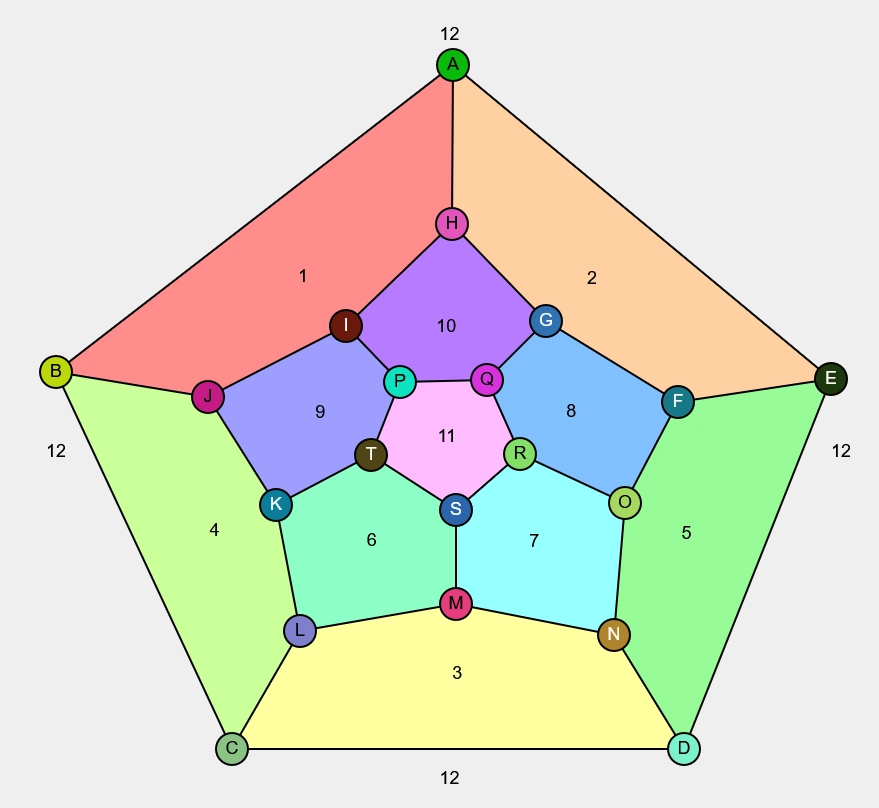
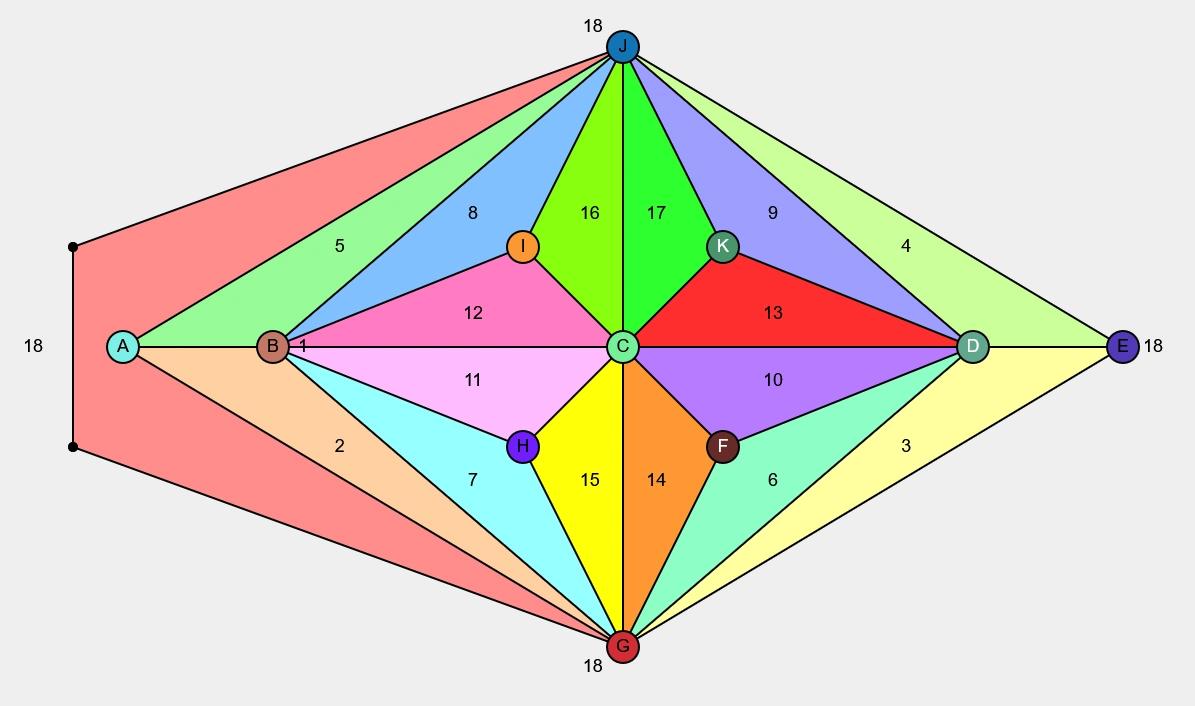
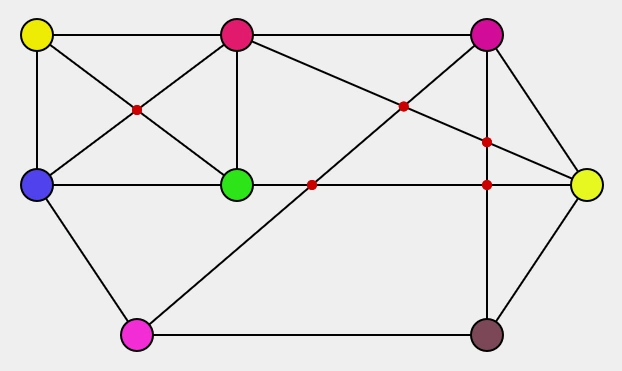
The tool allows for adding, moving, and deleting vertices, and connecting them with edges. I also added support for "joint" nodes to create curved edges, which was necessary to demonstrate certain planar embeddings where straight lines would visually intersect. By holding the Shift key, the nodes snap to a grid, which made aligning the layouts much easier. In the end, I used this tool to generate every single graphic used in my final presentation.
Sources: